
Description
Onboarding | Notifal Pro | Templates Library | Free Configuration | Community
Most Visitors Leave Without Buying. Notifal Is Built to Change That.
A regular popup plugin shows the same message to everyone. Notifal is different: it’s a conversion rate optimization (CRO) engine that reads live data, your content, your visitors, and on eCommerce sites, your products, cart, and orders too, and turns it into the kind of real-time, persuasive messaging that actually moves people to act.
Picture this on a blog: “5 readers commented on this post this week.” On a site with a lead form, consultation request, or any custom post type, “Someone just requested a consultation.” On a product page: “23 people bought this in the last 7 days” or “Only 5 left in stock.” These aren’t static banners you write once and forget. They’re live, data-driven notifications that update automatically, built with Notifal’s dynamic tags reading directly from your site’s real content, posts, pages, comments, custom post types, and on WooCommerce stores, products, carts, and orders too.
That’s the difference between a popup plugin and a CRO engine. Notifal gives you both: the design freedom of a popup builder, and the real-time intelligence, on any kind of site, to make every notification actually convert.
🎯 Create stunning, goal-driven notifications in minutes
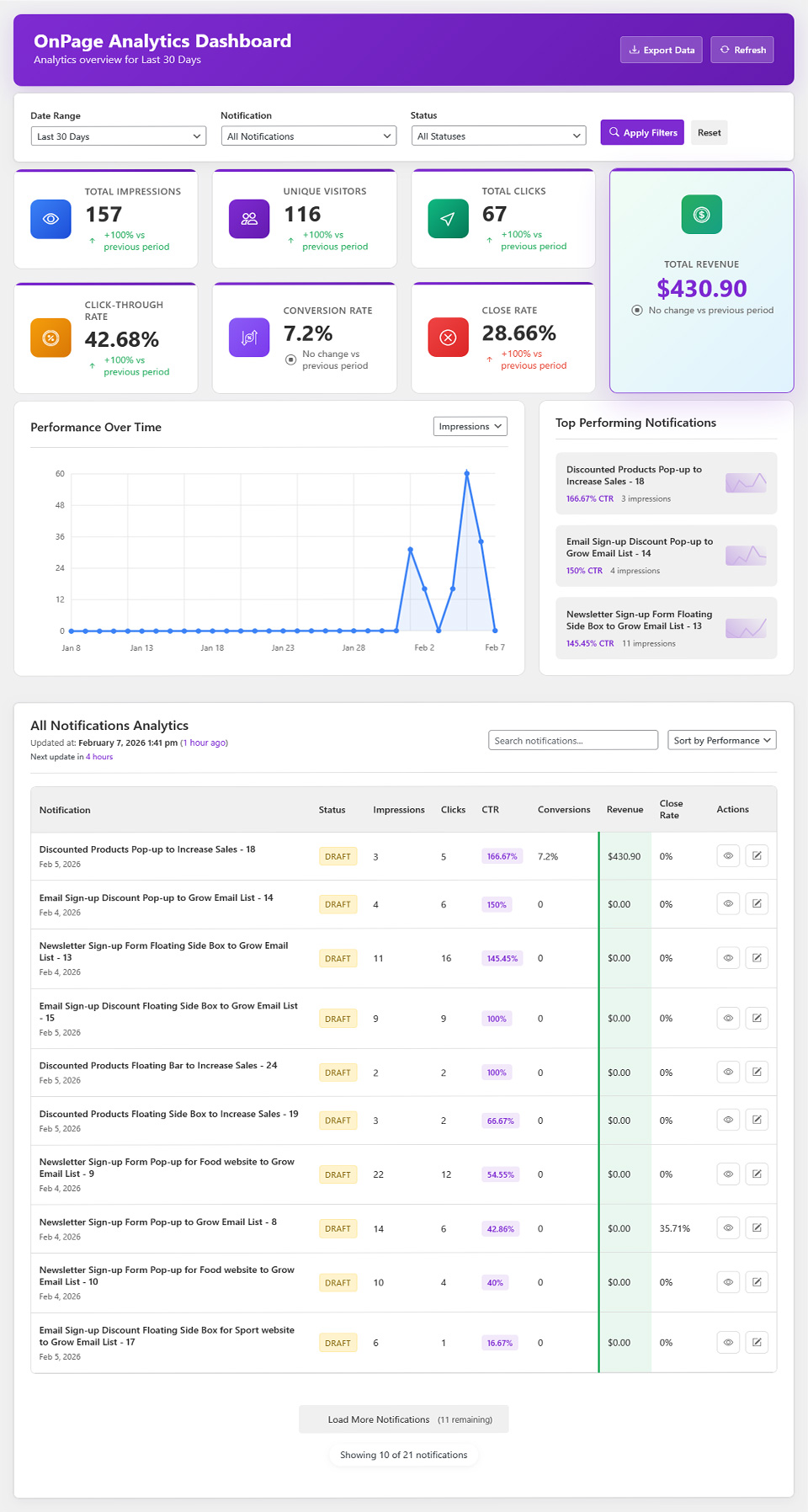
📊 Track performance with built-in advanced analytics
🎨 Design freely with Elementor, WordPress Block Editor, or the Notifal HTML Builder
⚡ Launch faster with 100+ ready-to-use templates
🤖 Generate HTML templates with AI using built-in Notifal tags and your brand colors
🧩 Generate complete OnPage notifications with AI, including HTML template, appearance, timing, behavior, and display rules, then import in one paste
🧠 Smart Targeting for context-aware dynamic content on every page [PRO]
🔴 Live social proof and engagement notifications powered by real site data, any post type, any custom field
🛒 Cart-aware upsells, cross-sells, and abandonment recovery for WooCommerce stores
Real Conversion Scenarios You Can Build Today
This is what separates Notifal from a basic popup plugin, every one of these is built from features already inside Notifal, combining dynamic tags, real site data, and display rules. Works on any WordPress site, with extra firepower if you run WooCommerce.
On any site, blog, SaaS, agency, lead-gen, or portfolio:
-
🔥 Live Activity & Social Proof: “5 people commented on this post this week” or “Someone just requested a consultation,” built from Comment tags or the Post Type Tag Generator, which can read custom fields from any custom post type, lead forms, booking requests, applications, anything your site or another plugin stores as a post type. Shown as a corner badge or floating element right where the action happens.
-
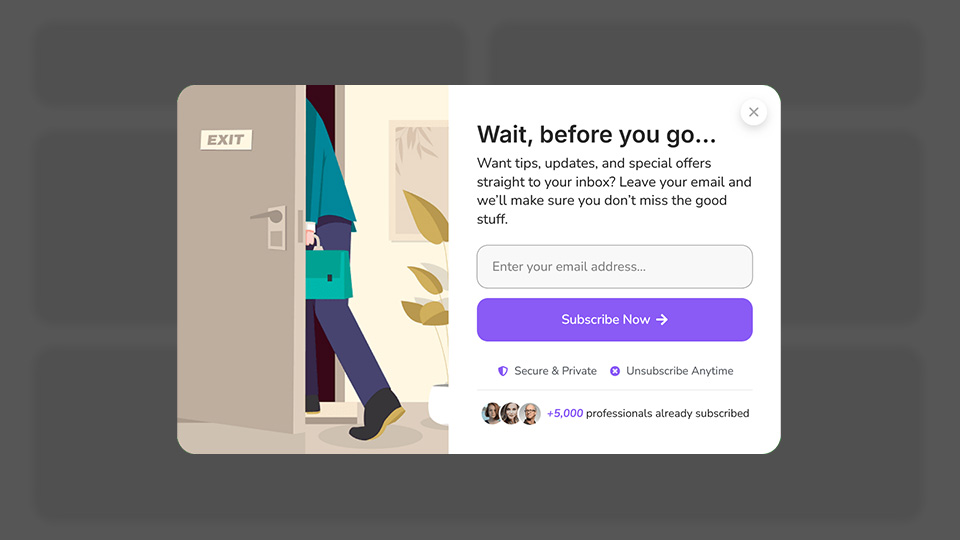
🚪 Exit Intent Recovery: Catch visitors the moment they’re about to leave with a lead magnet, a discount, or a related-content suggestion, before they’re gone for good.
-
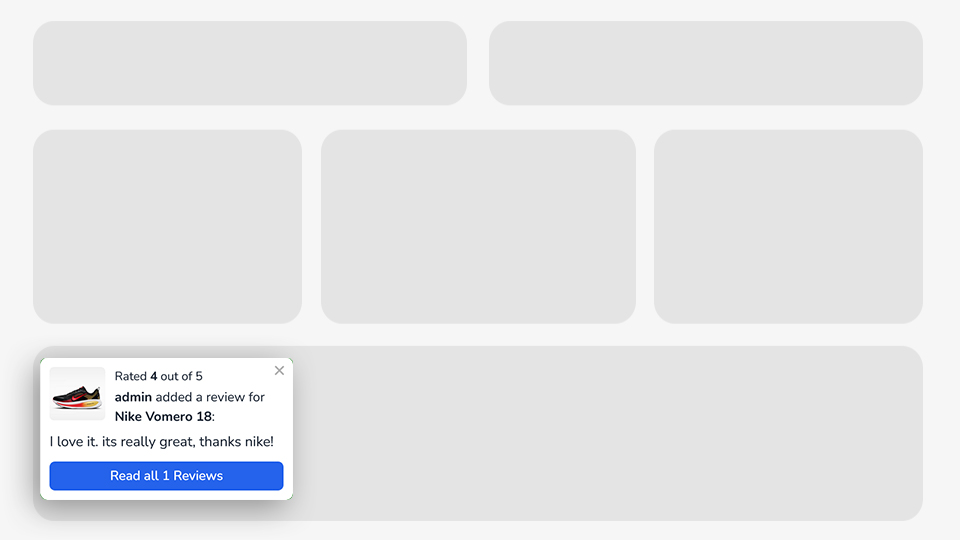
⭐ Customer Reviews & Comments, Live: Notifal reads real WordPress comments and WooCommerce product reviews directly with Comment tags, both blog post comments and product reviews live on your site count, shown as a floating badge or popup the moment a new one comes in.
-
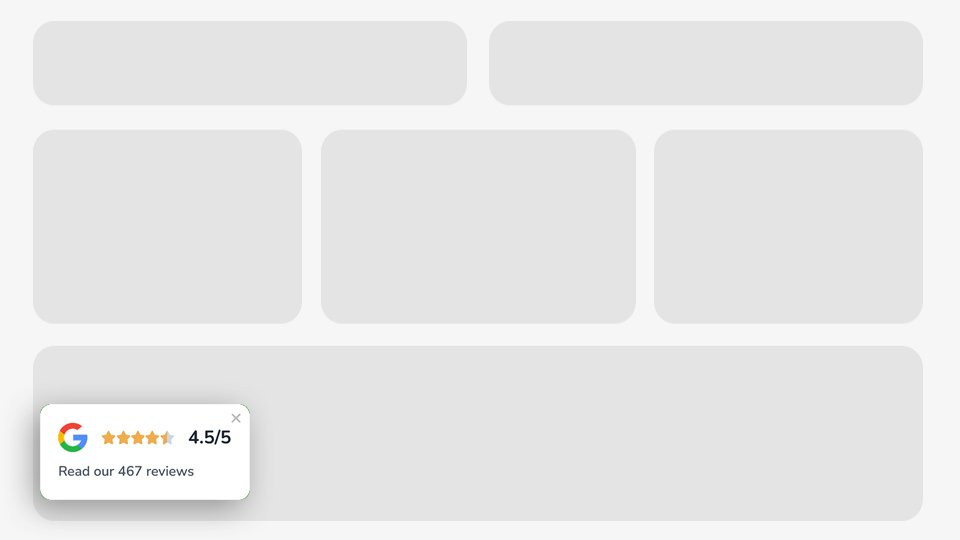
🌟 Trust Badges (Google, G2, Trustpilot): Showcase your ratings from external services like Google, G2, or Trustpilot using ready-made templates designed for each. These are template based, not a live feed, you add your own rating and review count, Notifal handles the design and placement.
-
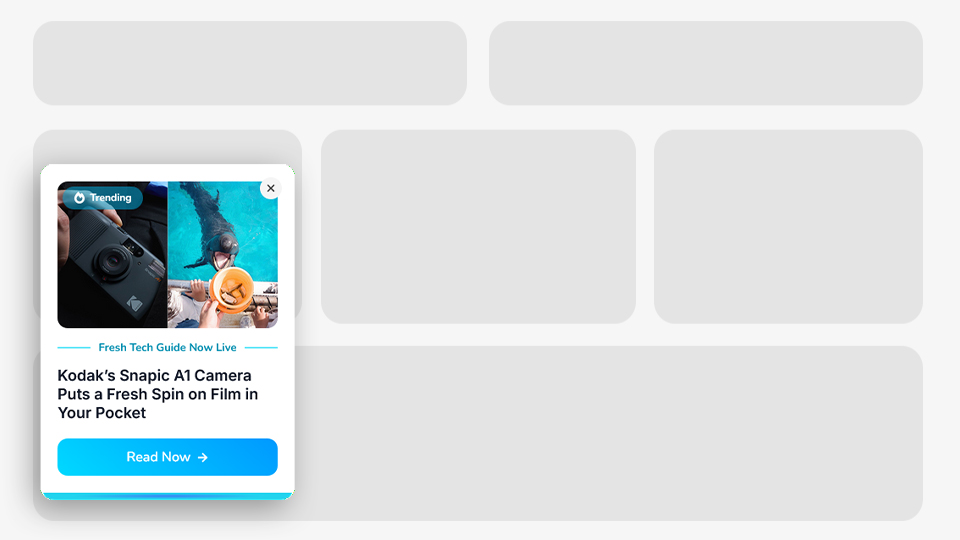
📈 New Content & Activity Alerts: Surface new posts, new comments, or new reviews automatically so your site always feels active.
With WooCommerce, all of the above plus:
-
⏳ Scarcity & Urgency: “Only 5 left in stock” using Product tags, paired with an arrow or pulse animation, shown only when stock is genuinely low.
-
🛒 Live Cart & Order Social Proof: “Sarah and 5 others bought {product_name} this week. Only 3 left in stock” combines Order tags for social proof, Product tags for live stock urgency, and an Ajax Add to Cart button, all in one notification, reinforcing trust and urgency at the exact moment a visitor is deciding to buy.
-
💰 Cart-Aware Upsells: The Cart Products content source rotates product tags from what’s actually in the visitor’s cart, related items, upsells, and cross-sells, refreshing in real time as the cart changes. No more generic “you might also like” with random products.
-
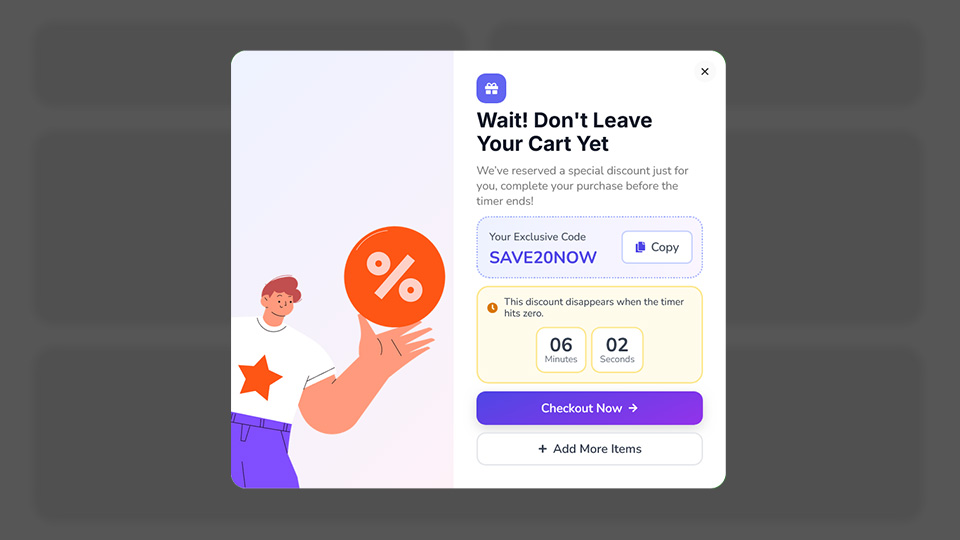
📦 Cart Abandonment Recovery: Trigger cart-based display rules by total, item count, or applied coupons to recover visitors before checkout.
Every scenario above runs through Notifal’s own engine: dynamic tags, Smart Targeting, and display rules working together. No external CRO tool, no separate plugin stack.
Not Just Software. A Team That Optimizes With You.
Most popup plugins hand you a builder and leave you to figure out what actually works. Notifal goes further: request a Free Configuration, and our team reviews your site, sets up the notifications most likely to convert for your specific traffic and goals, then keeps watching Notifal’s own analytics, impressions, click rate, close rate, conversion rate, to refine the wording, timing, and placement over time. It’s CRO as an ongoing process, not a one-time setup.
One Plugin. Endless Possibilities.
From growing your email list to preventing cart abandonment, from building social proof to boosting engagement, Notifal adapts to your conversion goals. No matter what type of website you run, eCommerce store, blog, SaaS, agency, or portfolio, there’s a notification strategy waiting to transform your results.
Here’s what you can create with Notifal:
-
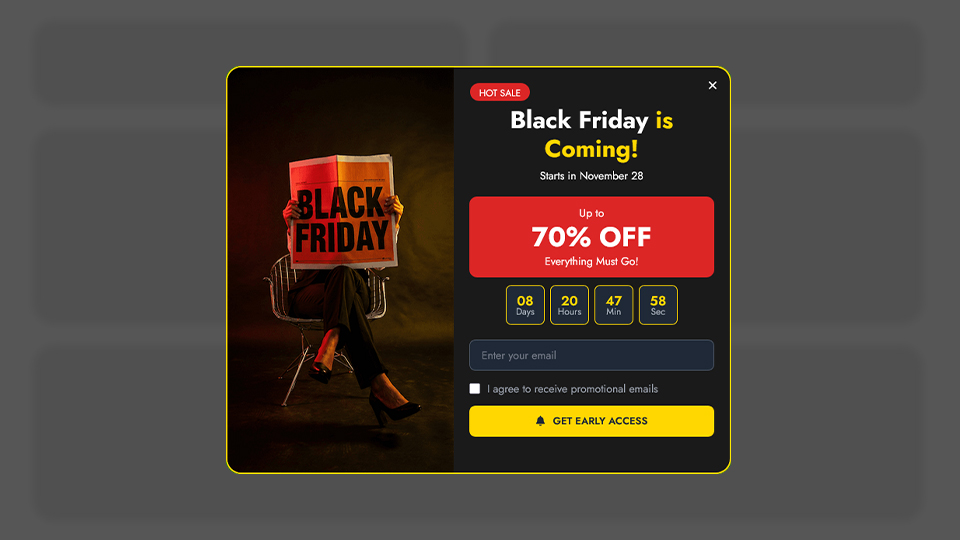
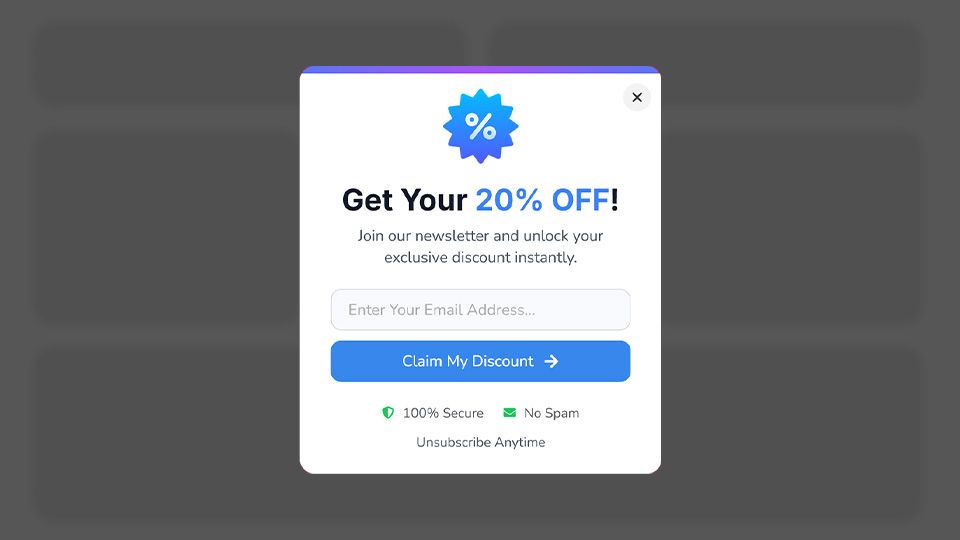
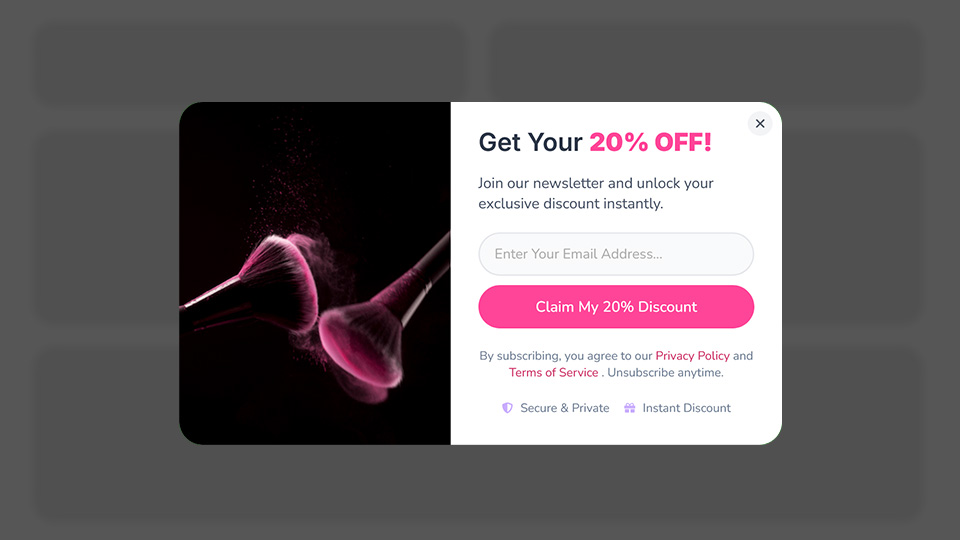
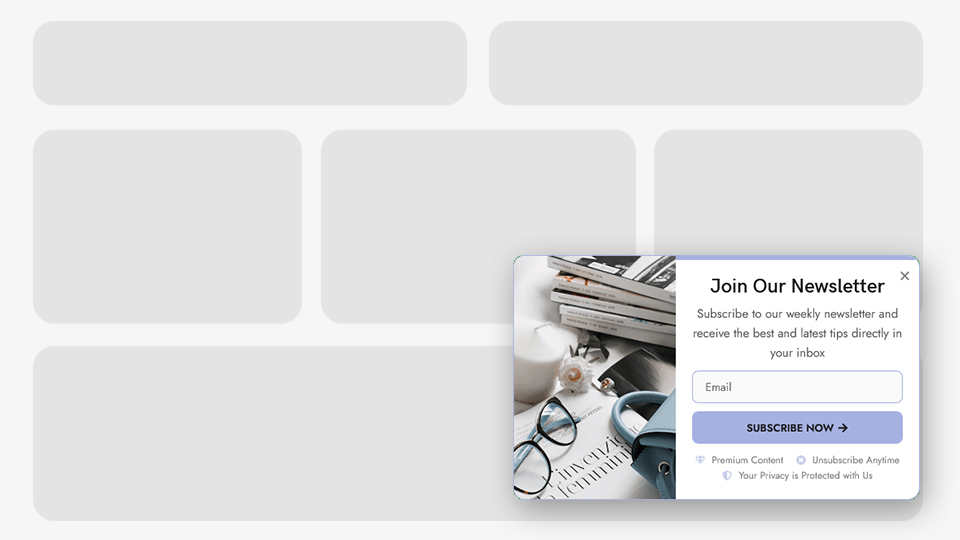
📧 Grow Email List: Newsletter Sign-up Form – Email Sign-Up Discount – Exit Intent Email Capture – Scroll-Based Email Capture
-
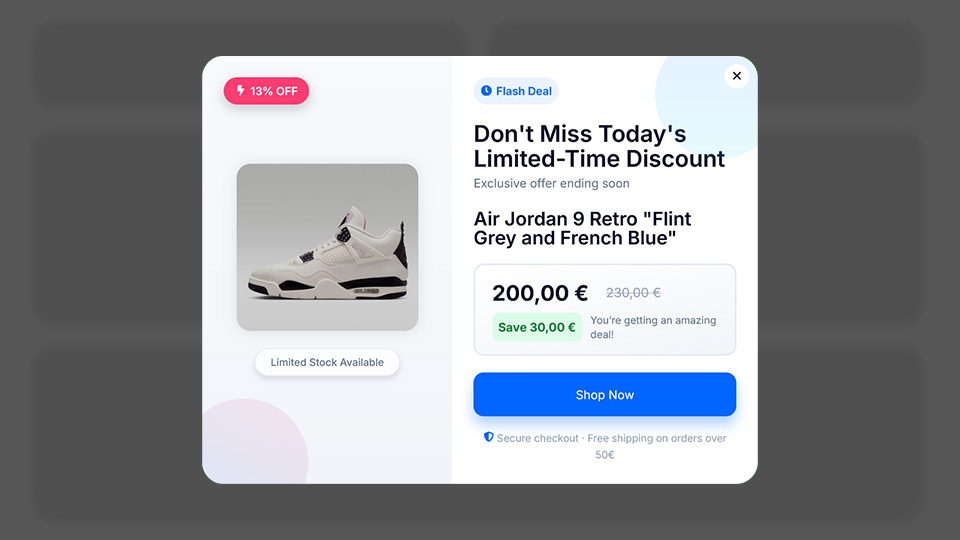
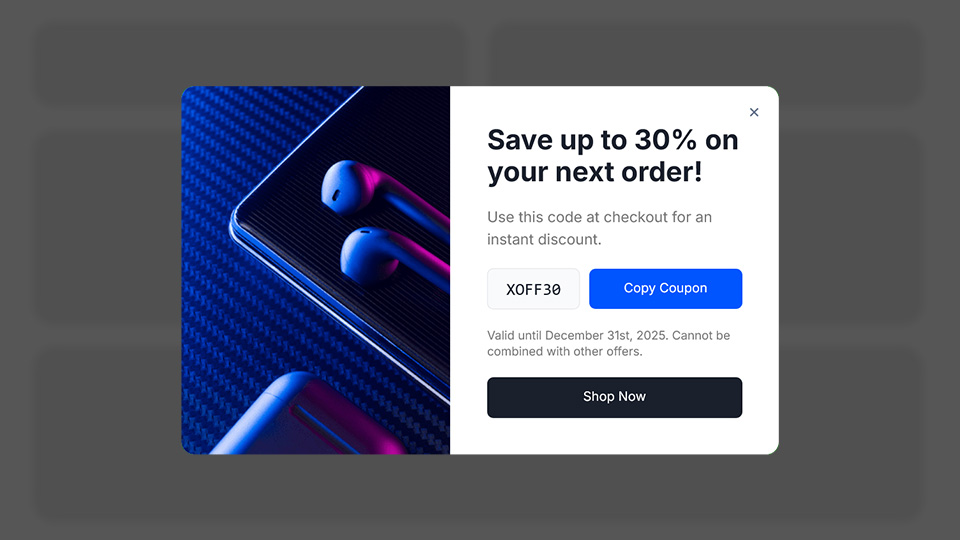
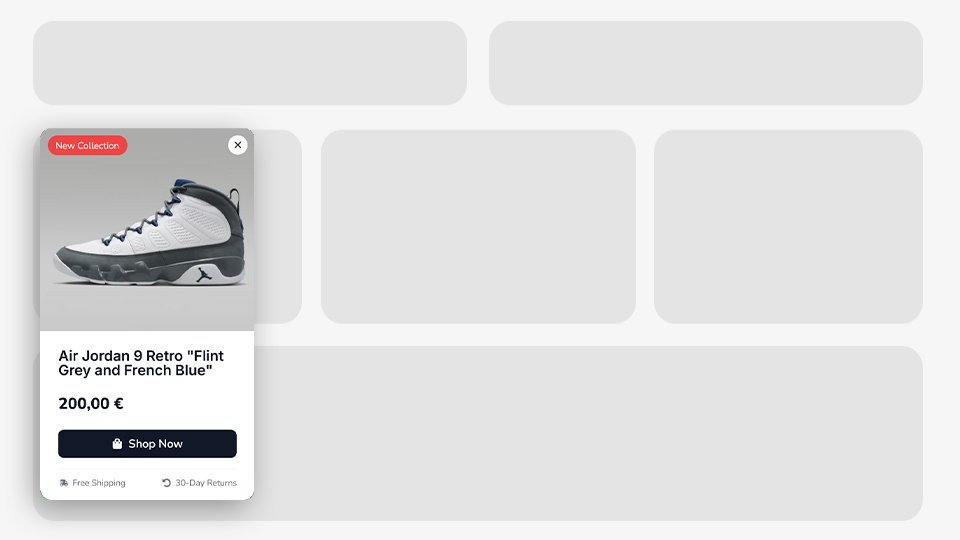
💰 Increase Sales: Discounted Products Showcase – Discount Coupon Popups – Exit Intent Coupon Code – First Purchase Coupon Code – Cross-Selling Recommendations – Cart-Based Product Notifications (WooCommerce)
-
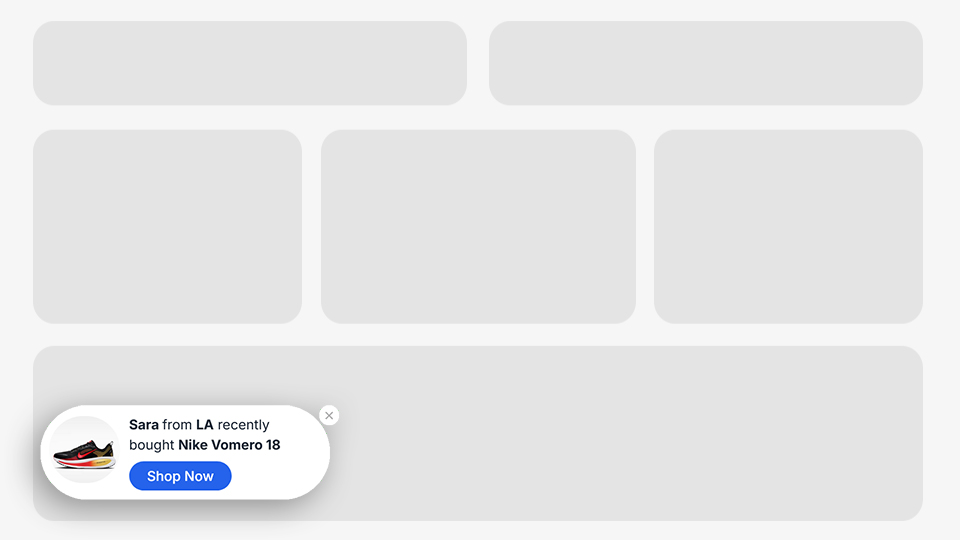
⭐ Build Trust & Social Proof: Recent Sales & Buyers Notifications – Google Rating – G2 Rating – Trustpilot Rating – Customer Testimonials
-
🚀 Boost Engagement: New Post Announcement – New Product Announcement – New Post Comment Notification – New Product Review Notification – Scroll-Based Add Comment Form – Exit Intent Post Share Button – Exit Intent Post Suggestions
-
🔄 Recover & Retain Visitors: Idle User Pop-Up – Exit Intent Email Capture – Exit Intent Coupon Code – Exit Intent Contact Info – Exit Intent Post Suggestions – Exit Intent Post Share Button – Cart Exit Pop-Up
-
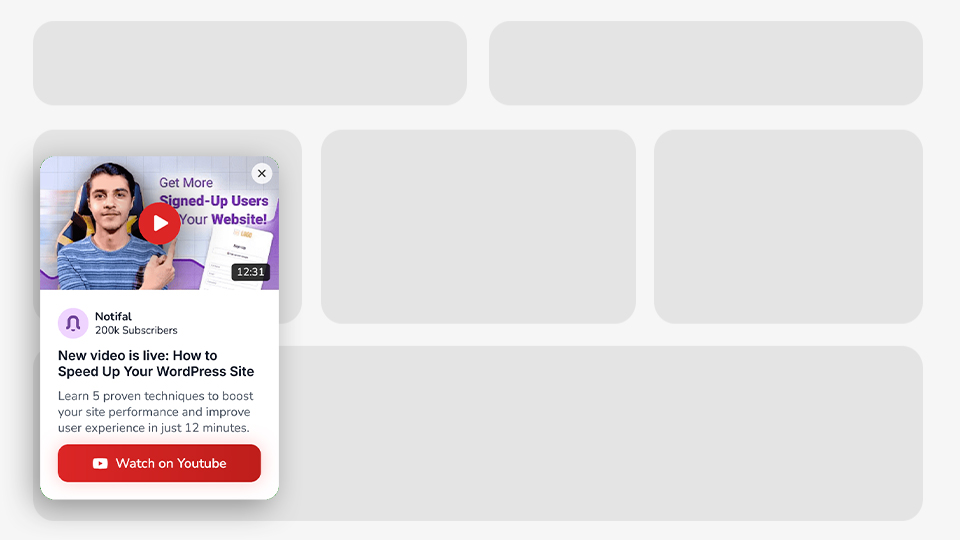
📱 Promote Your Social Channels: Promote YouTube Video – Promote YouTube Channel – Social Media Follow Buttons
-
🛒 Prevent Cart Abandonment: Cart Exit Pop-Up
-
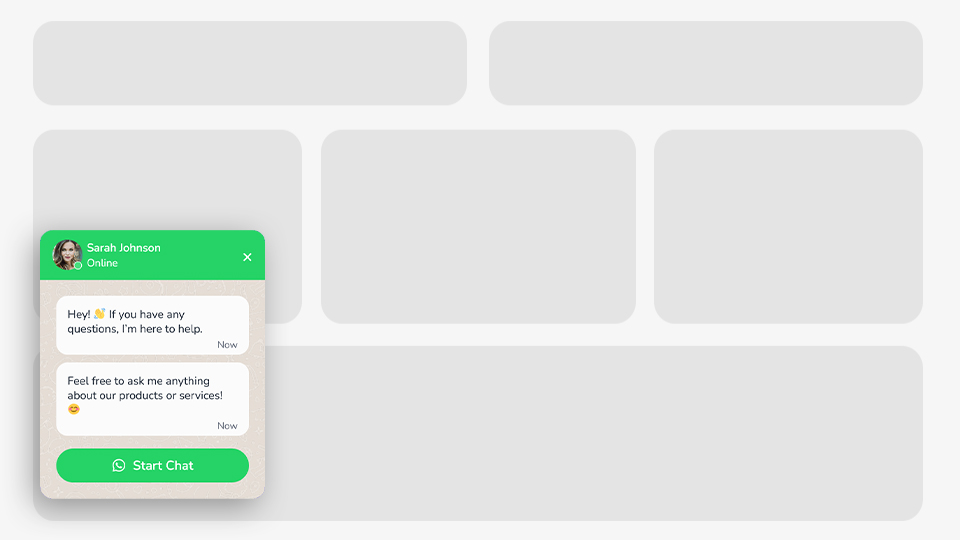
💬 Communicate with Visitors: WhatsApp Button – All-in-One Chat Widget – Click to Call Button – Exit Intent Contact Info – Inactive User Support Button
-
📈 Grow Average Order Value (AOV): Free Shipping Progress Bar – Cross-Selling Recommendations – Cart Upsells & Cross-Sells via Cart Products Content Source (WooCommerce)
-
👥 Grow Your User Base: Sign-Up Pop-Up
-
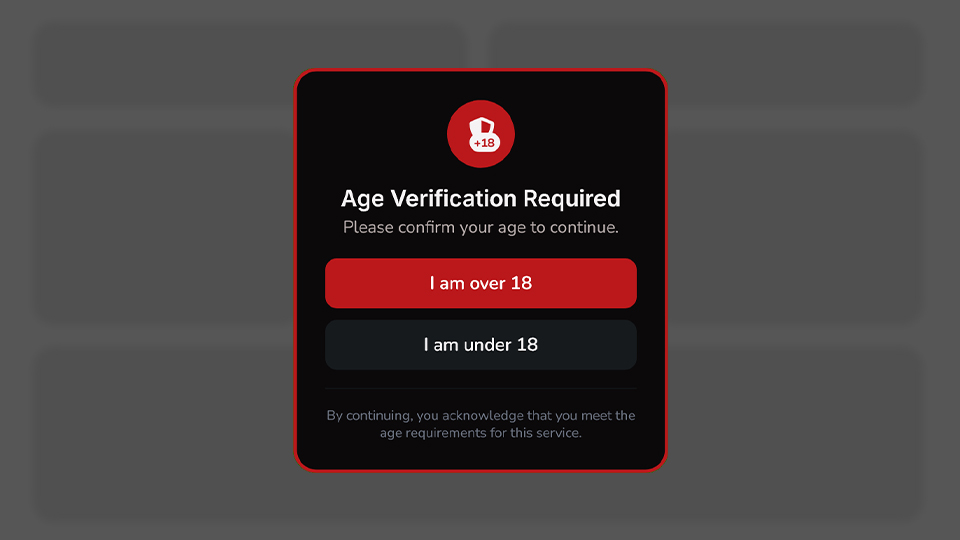
🔒 Content Blocking & Access Control: Age Verification Pop-Up – Registration Required Pop-Up
Whatever your conversion goal, Notifal has a notification for it.
Five Display Types, One Engine
A popup isn’t always the right tool. Sometimes the highest-converting placement is a small badge next to your price, or a subtle bar at the top of the page. Notifal gives you five display types so the message fits the moment instead of forcing every notification into the same modal:
- 🪟 Popup Modal: For high-attention moments like exit intent or a first-purchase offer.
- 🎈 Floating Element / Side Box: Persistent but non-intrusive, ideal for chat buttons, ratings, or ongoing offers.
- 📛 Corner Badge: Small, low-friction social proof badges that don’t interrupt browsing.
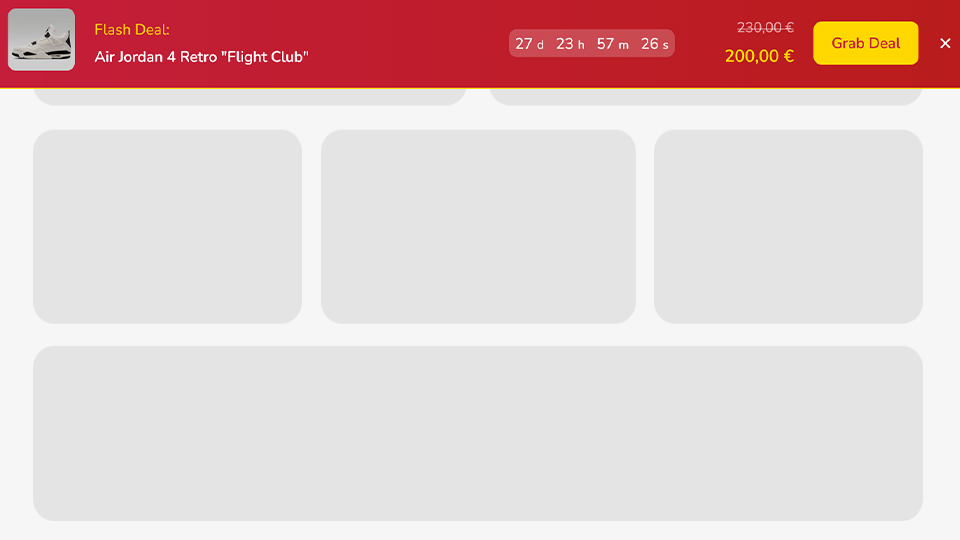
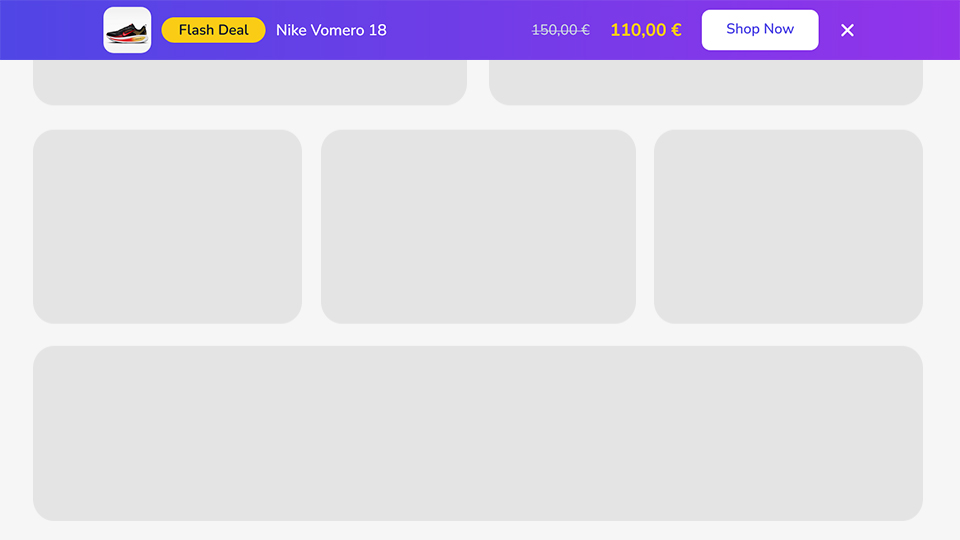
- 📰 Top Bar Banner: Site-wide announcements, shipping thresholds, or sitewide promotions.
- 🔔 Toast Notification: Brief, real-time pop-ins, perfect for “someone just bought this” style alerts.
🔥 With +100 Ready-to-Use Templates, Launch in Minutes, Not Hours
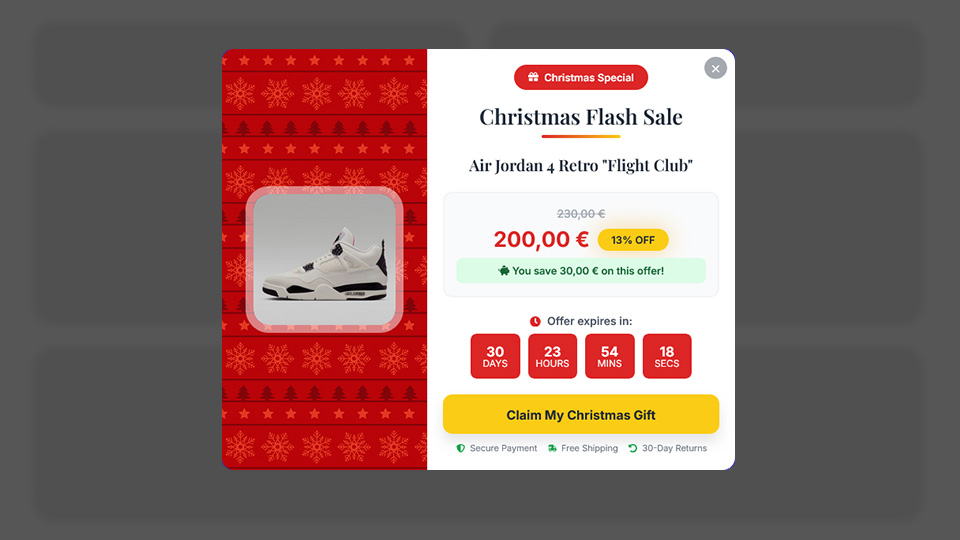
Designing popups from scratch takes time. Finding the right layout, choosing colors, writing copy, positioning elements, it all adds up. With Notifal’s Template Library, you don’t have to start from a blank canvas. Choose from 100+ professionally designed, ready-to-use notifications and get your popup live in just a few clicks.
-
🎨 Templates for Every Need: Our library covers all 11 use cases. From growing your email list to preventing cart abandonment. No matter your goal, you’ll find a template that fits.
-
🏢 Designed for Every Industry: Running an online store? A blog? A SaaS platform? A local business website? Notifal templates are built for diverse industries, so you’ll always find something that matches your brand and audience.
-
🖼️ Multiple Themes & Layouts: Minimal and modern. Bold and colorful. Clean and professional. Browse through different visual styles and layouts to find the perfect match for your website’s aesthetic.
-
⚡ Ready in Clicks, Not Hours: Pick a template. Import and customize if you want. That’s it. Your high-converting pop-up is live.
-
🆕 Always Growing: Our design team continuously adds new templates to the library. New trends, new use cases, new ideas. You’ll always have fresh options to choose from.
Stop designing from scratch. Start converting faster. Browse the library. Pick a template. Go live.
📊 Know What’s Working and Fix What’s Not with Analytics
Guessing doesn’t grow businesses, data does. Notifal’s built-in advanced analytics gives you complete visibility into how your notifications perform, so you can optimize for maximum results.
- 💵 Revenue Generated: See the real monetary impact of each notification, proof of your ROI.
- 👀 Impressions [PRO]: See exactly how many times each notification has been displayed to visitors.
- 👥 Total Users [PRO]: Track the number of unique visitors who have seen your popups.
- ❌ Close Rate [PRO]: Identify which notifications visitors are dismissing, and refine your approach.
- 🖱️ Click Rate & Total Clicks [PRO]: Measure engagement and understand what drives visitors to take action.
- 🎯 Conversion Rate [PRO]: Know precisely how many viewers are converting into subscribers, buyers, or leads.
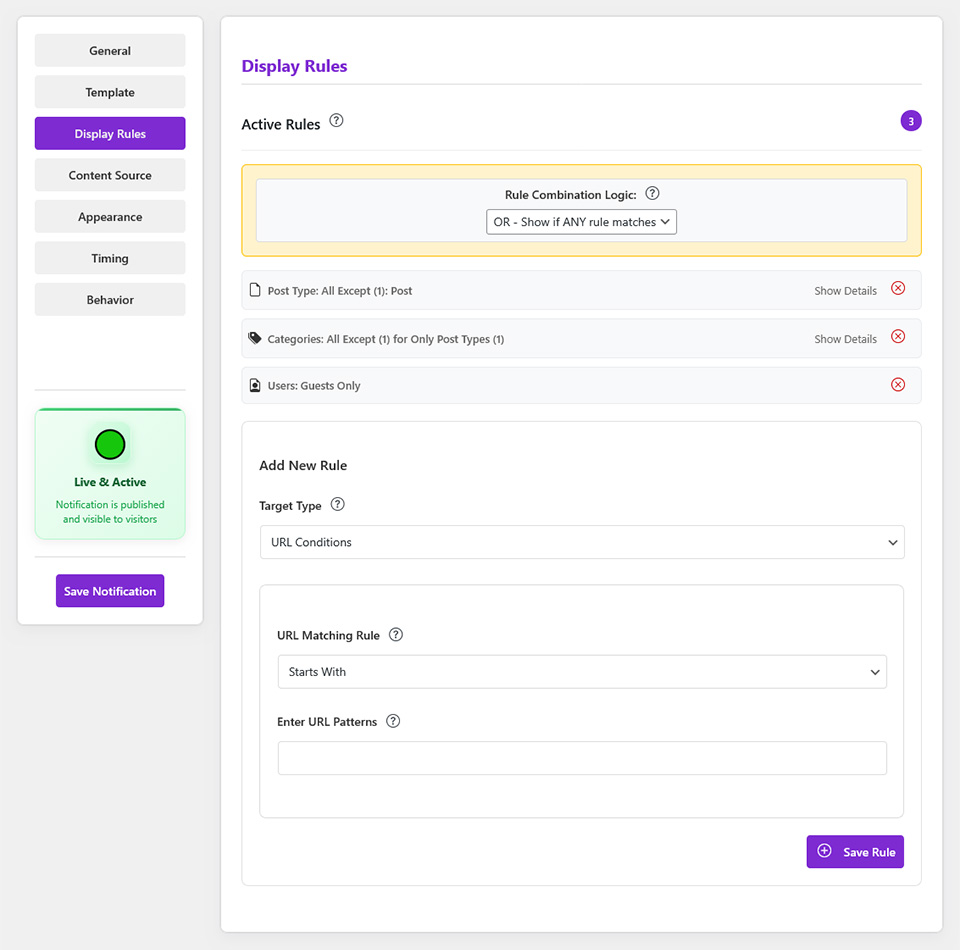
- 📅 Campaign-based analytics filters [PRO]: Impressions, clicks, close rate, conversions, and other key performance data based on the campaign your notifications belong to, so you can measure full campaign performance with clarity.
Data-driven decisions. Real results.
Design Your Way. No Limits.
Why learn a new builder when you can use the one you already love? Notifal integrates seamlessly with Elementor, the WordPress Block Editor, and its own HTML Builder, giving you complete design freedom.
-
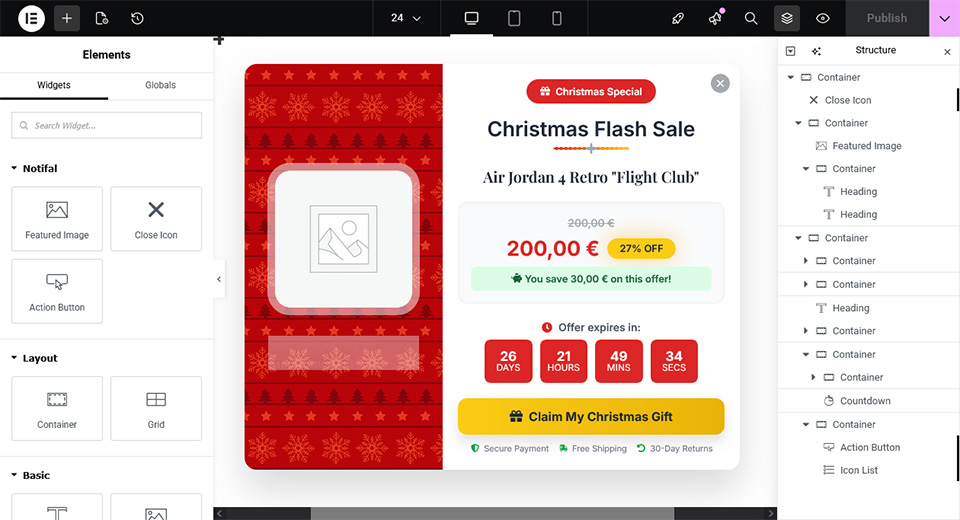
🎨 Elementor Users: Build your popups and notifications using Elementor’s powerful drag-and-drop interface. Use any widget you want. Forms, images, buttons, countdown timers, WooCommerce elements, and more.
-
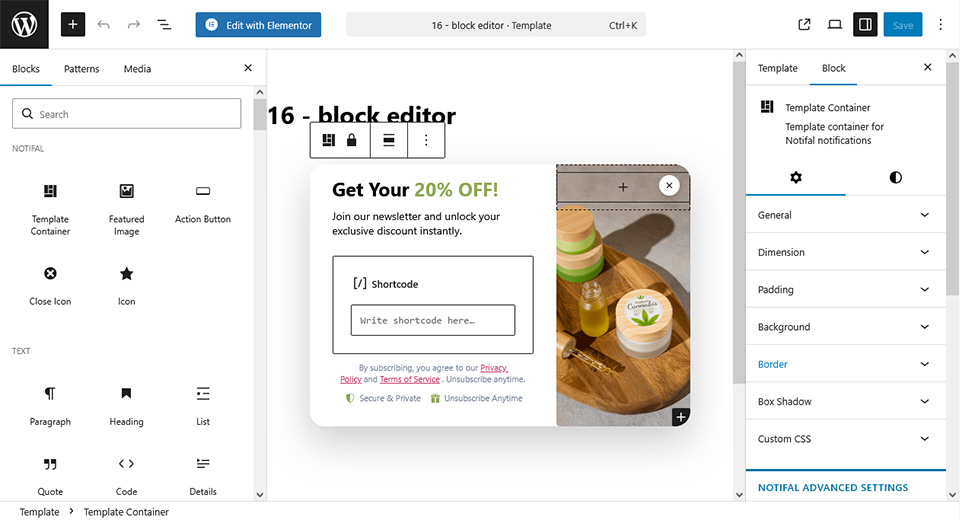
📝 Block Editor Users: Don’t use Elementor? Design stunning notifications using the native WordPress Block Editor. Add any block you need. Paragraphs, headings, images, buttons, columns, shortcodes, or third-party blocks.
-
💻 HTML Builder Users: Prefer code, AI, or a lightweight workflow? Open the Notifal HTML Builder, a fullscreen workspace where you paste self-contained HTML (with embedded styles), parse it, tweak text and colors visually, preview live, and save. Use the built-in AI prompt to generate ready-to-paste templates: it includes your brand color, Notifal dynamic tags (
{product_name},{user_first_name}, cart tags, and more), display-type guidance, and copy rules so tools like ChatGPT or Claude return HTML you can drop straight into the builder.
Your favorite builder or AI-assisted HTML. Your creative control. Unlimited possibilities.
🔗 With Dynamic Tags Create Once. Update Never.
Static popups are limited. Every new product, every new sale, every new comment, you’d have to create a new notification manually. Notifal’s Tag Generator changes that.
With dynamic tags, you create a notification once, and its content updates automatically based on real-time data. This is the engine behind every social proof and sales notification example above.
🔄 How Tags Work
Instead of writing static text like: “New Offer for You” You write: “New Offer for You, {user_name}”. Now every visitor sees their own name. Sara sees “New Offer for You, Sara”. Alex sees “New Offer for You, Alex”.
With tags, you can pull in product names, prices, discount percentages, order details, cart totals, coupon codes, comment content, usernames, and more, fully personalized, real-time notifications.
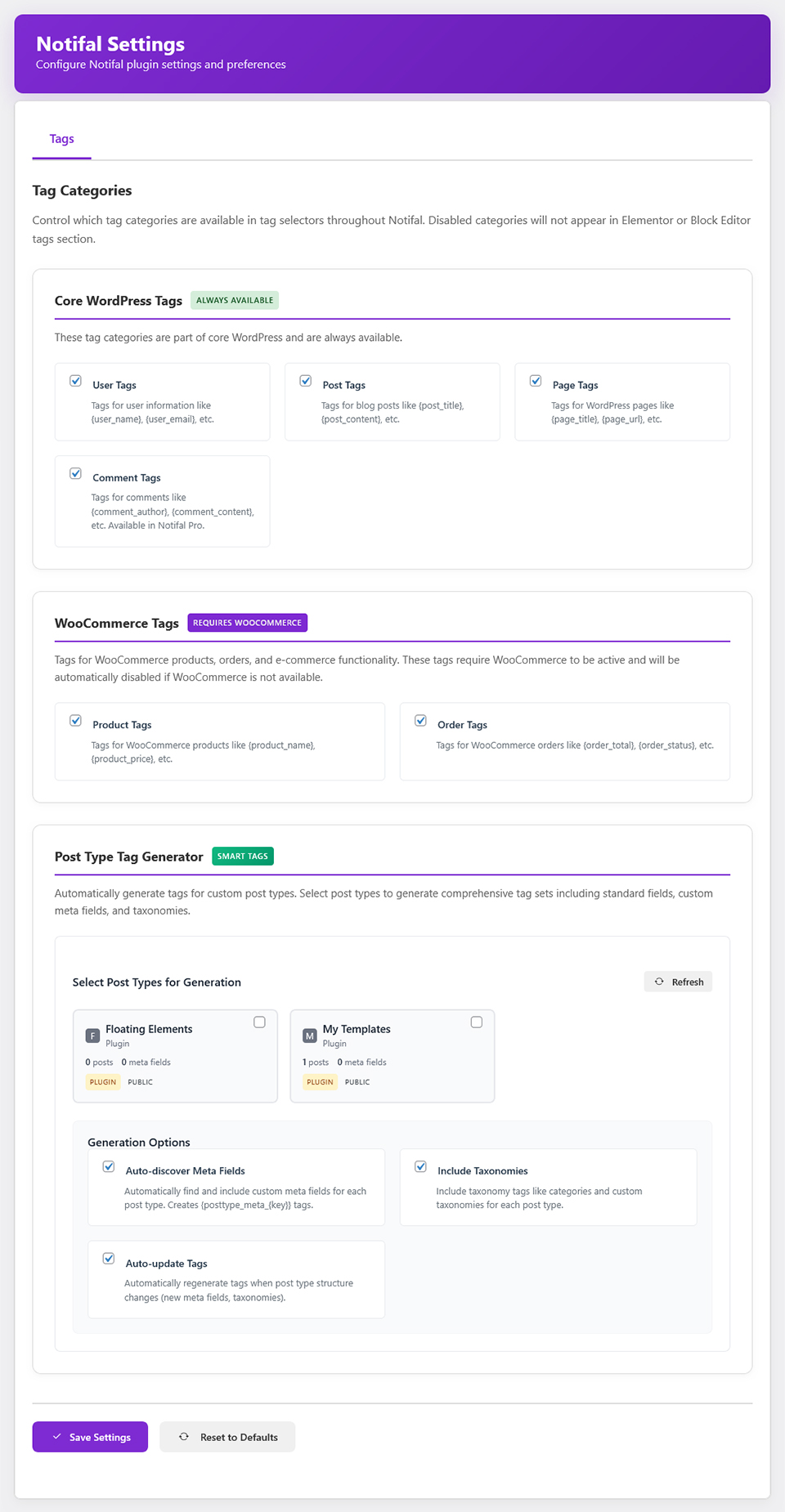
🏷️ Three Powerful Tag Categories
- 📝 WordPress Tags: Dynamically insert Post, Page, Comment, and User data into your notifications.
- 🛒 WooCommerce Tags: Pull real-time Order, Product, and Cart data including
{cart_total},{cart_item_count},{cart_coupons}, and{cart_checkout_url}, the foundation for sale announcements, abandoned-cart reminders, and discount popups. Combine with the Cart Products content source to rotate product tags from items in the visitor’s cart, related products, upsells, and cross-sells. - ⚙️ Post Type Tag Generator [PRO]: Have custom post types? Generate your own tags based on any post type in your database. Complete flexibility.
🧠 Smart Targeting: Dynamic Content That Follows the Visitor
Generic dynamic notifications pull from your entire catalog or content library. That’s powerful, but on a product page, a visitor expects relevance, not a random item from somewhere else on your site.
Smart Targeting connects your notification’s content source to the page your visitor is actually viewing. On a single product page, show that product’s data first. On a category archive, surface items from that category. On a blog post, pull related posts from the same tags or categories.
How Smart Targeting Works
Notifal reads the dynamic tags in your notification template and automatically scopes the content source to what matches the current page. On singular pages, the viewed product, post, or custom post type entry is prioritized first. On taxonomy archives, content is drawn from the category, tag, or product category your visitor is browsing. When no contextual match exists, you decide whether to fall back to your standard content source filters or hide the notification until a relevant match appears.
Smart Targeting Controls
- 📍 Context-Aware Content Source: Limit dynamic content to items related to the current product, post, custom post type, or taxonomy archive.
- 🎯 Current Page Priority: On single product, post, and custom post type pages, the item being viewed is shown first before the scope widens.
- 📂 Archive & Taxonomy Targeting: Category, tag, and product category archives surface content from the archive your visitor is browsing.
- 🔢 Category Depth Control: Set how far smart targeting widens, from the current query only (level 0) through parent categories and page hierarchy (up to 10 levels).
- 🛒 Orders & Comments via Parent Content: Order and comment dynamic tags inherit context from the product or post on the current page.
- 🔄 Smart Fallback: Choose whether to fall back to standard content source filters when no contextual match exists, or hide the notification until a relevant match is found.
- 🏷️ Template-Aware Detection: Smart Targeting activates automatically based on the dynamic tags in your notification template, no manual entity mapping required.
🛒 Cart Products Content Source, Turn Every Cart Into a Sales Opportunity
A visitor who adds something to their cart is one step away from buying. Notifal’s Cart Products content source lets your dynamic notifications pull product data directly from the visitor’s live WooCommerce cart, so every popup, floating …
Screenshots
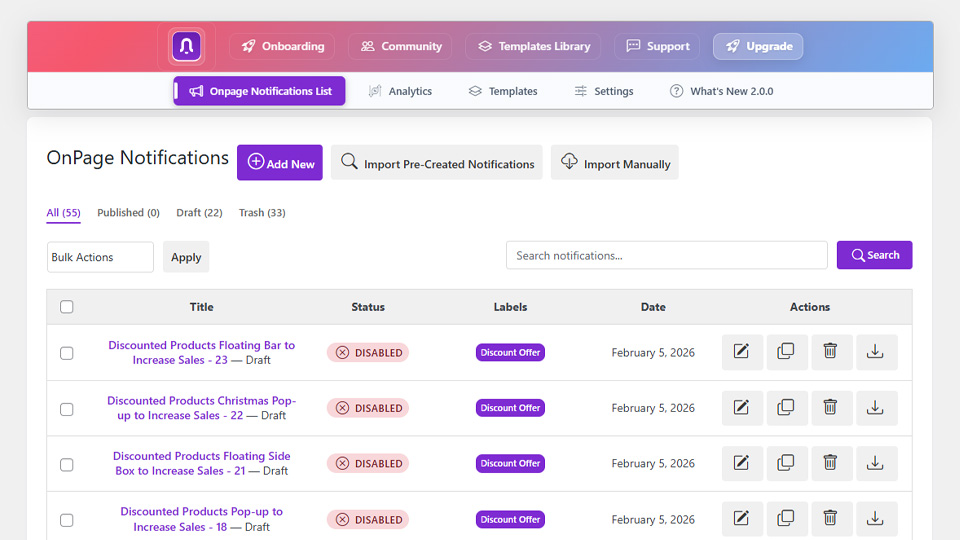


Blocks
This plugin provides 5 blocks.
- Icon Display a customizable icon with SVG support for notifications
- Template Container Template container for Notifal notifications
- Action Button Display a customizable action button with tracking support for analytics
- Close Icon Display a customizable close icon for notifications
- Featured Image Display a featured image that adapts to notification context with advanced styling options
Installation
- Visit
Plugins > Add New - Search for
Notifal - Install Notifal once it appears
- Activate Notifal from your Plugins page.
- Go to “after activation” below.
Manually
- Upload the
notifalfolder to the/wp-content/plugins/directory - Activate the Notifal plugin through the ‘Plugins’ menu in WordPress
- Go to “after activation” below.
After activation
- You should see the Notifal in the WordPress menu.
- Click on
Add newto create your first notification or use default notifications. - You’re done!
FAQ
-
Is Notifal just a popup plugin?
-
No. Notifal is a conversion rate optimization (CRO) engine that happens to include a powerful popup builder. The real value is in how it combines dynamic, real-time site data, posts, comments, custom post types, and on WooCommerce stores, orders, cart contents, and stock levels, with display logic to create social proof, sales notifications, scarcity messaging, and cart recovery offers that update themselves. Tools like Wisepops, Popupsmart, OptinMonster, or Popup Maker focus on the popup; Notifal focuses on the conversion.
-
Will your team actually help me set this up, or am I on my own?
-
You’re not on your own. Request a Free Configuration and our team reviews your site, builds the notifications most likely to convert for your goals and traffic, and keeps an eye on Notifal’s own analytics, impressions, clicks, close rate, conversions, to refine wording, timing, and placement as real performance data comes in. Most popup plugins stop at giving you a builder; we stay involved.
-
Yes. Using Order and Product dynamic tags, you can build notifications like “Sarah and 5 others bought {product_name} this week. Only 3 left in stock,” combining social proof, stock urgency, and an Ajax Add to Cart button in one notification, all powered by live store data, no manual editing needed as numbers change.
-
Does Notifal support exit intent popups?
-
Yes, Exit Intent is one of Notifal’s PRO trigger options. Combine it with a coupon code, cart reminder, or related-product suggestion to recover visitors right before they leave.
-
Can I build cart abandonment recovery popups?
-
Yes. Notifal includes WooCommerce cart display rules (by total, item count, products, categories, or applied coupons) and the Cart Products content source, so you can target visitors based on what’s actually in their cart and recover abandoning checkouts.
-
What’s the difference between Free and Pro?
-
Free already includes dynamic tags, you can build live, data-driven notifications right away. Pro unlocks the tags and features that need deeper data or context: Comment tags, the Post Type Tag Generator for custom post types, and Smart Targeting (context-aware content that follows the visitor from page to page). Pro also adds advanced triggers (exit intent, scroll, user idle, custom triggers), advanced targeting (URLs, categories, user roles, multi-rule combinations), the full analytics suite (impressions, click rate, close rate, conversion rate), and priority support.
One more distinction worth knowing: in the Free version, you can create as many notifications as you want, but only one can be active at a time, so you can switch between them, just not run several simultaneously. Pro removes that limit, letting you run unlimited notifications active at once.
If you’re serious about conversions, Pro is worth it.
-
Do I need marketing knowledge to use Notifal?
-
No, you don’t need to be a marketing expert. Notifal is designed to be user-friendly, making it easy for anyone without any marketing experience. You can also request a free configuration and our team will check your website and create the best notifications and pop-ups for you.
-
Do I need coding skills to use Notifal?
-
Not at all. Notifal’s intuitive interface allows you to manage everything without needing coding skills.
-
Can I track exact revenue generated by each popup/notification?
-
Yes, when used with WooCommerce, Notifal automatically tracks and displays the exact dollar amount each campaign has generated. No extra plugins needed.
-
Will Notifal slow down my website?
-
Absolutely not. Notifal is built with performance in mind. The plugin loads only what’s necessary, uses optimized code, and won’t impact your page speed or Core Web Vitals.
-
Do I need Elementor to use Notifal?
-
No. While Notifal integrates beautifully with Elementor, it also works seamlessly with the native WordPress Block Editor and the Notifal HTML Builder, paste HTML, use the AI prompt to generate templates with your brand colors and Notifal dynamic tags, then publish. Use whichever builder you prefer, or simply pick a ready-made template and go live in clicks.
-
Does Notifal work with WooCommerce?
-
Yes! Notifal has deep WooCommerce integration. You can create cart abandonment popups, discounted product notifications, cross-sell recommendations, recent sales alerts, and use WooCommerce dynamic tags for orders, products, and cart data. With the Cart Products content source, dynamic notifications can pull product content directly from the visitor’s live cart, including related products, upsells, and cross-sells, and refresh automatically when the cart changes, helping you increase average order value with hyper-relevant offers at checkout time.
-
Is Notifal compatible with my theme?
-
Notifal is designed to work with any properly coded WordPress theme. Whether you’re using a free theme, a premium theme, or a custom-built theme, Notifal will work smoothly.
Reviews


Contributors & Developers
“Notifal – Popup Builder & CRO Engine: Sales Notifications, Social Proof & Exit Intent Popups” is open source software. The following people have contributed to this plugin.
Contributors

“Notifal – Popup Builder & CRO Engine: Sales Notifications, Social Proof & Exit Intent Popups” has been translated into 5 locales. Thank you to the translators for their contributions.
Interested in development?
Browse the code, check out the SVN repository, or subscribe to the development log by RSS.
Changelog
2.4.1 [2026-06-29]
Added: Paste JSON directly when importing OnPage Notifications, with size validation, export structure checks, and a trusted-source confirmation step.
Added: Generate with AI on the OnPage Notifications list, copy a prompt for ChatGPT or Claude, then import the full notification JSON (template plus settings) in one step.
Fixed: Order attribution “Total clicked revenue” now shows the sum of clicked product line subtotals (price × quantity) when clicked products are listed but stored clicked revenue was zero.
Improved: Clicked revenue backfill and pending snapshot conversions resolve variable product parent/child IDs against WooCommerce order line items.
Improved: Checkout pending snapshots now record clicked revenue when product clicks were validated at checkout, even if live click lookup fails after delayed payment.
Improved: New templates ask whether you have HTML or want to generate with AI before pasting.
Improved: Edit link URLs from the Content panel when an anchor is selected.
Improved: AI prompt includes a use case selector with goal-specific guidance.
Improved: AI prompt includes display layout selector synced with notification Appearance settings.
Improved: AI prompt accepts a free-text industry or niche to tailor design and copy.
Improved: AI prompt includes field-filling patterns that show how to write industry, goal, and layout details for better AI output.
2.4.0 [2026-06-17]
Added: HTML Builder – third template builder for pasting self-contained HTML with embedded styles and scripts; no Elementor or Gutenberg required.
Added: Built-in AI prompt generator to create copy-ready HTML with your brand color, Notifal dynamic tags, and display-type guidance for external AI tools.
Added: Fullscreen admin workspace with HTML input, text/color editors, live preview, Insert Tag modal, copy HTML, and AJAX save.
Added: HtmlTemplateSanitizer with trusted/restricted capability paths, PHP tag stripping, and extensibility hooks for marketplace-safe HTML storage.
Added: Frontend HtmlTemplateRenderer with full tag, class-placeholder, and shortcode pipeline for HTML Builder templates.
Added: Import/export support for notifal_html_builder JSON payloads with image URL extraction.
Improved: Template list/edit routing now opens HTML Builder templates in the dedicated builder screen instead of the block editor.
Improved: Delay, exit intent, scroll, and other timed notifications now work reliably on more sites, including when a theme affects how notification data is loaded.
2.3.11 [2026-06-15]
Added: Per-button click tracking for action buttons, each click records button ID, action type (post-link, copy, custom, etc.), and button label for Pro analytics breakdown.
Added: Stable tracking IDs for Block Editor action buttons (persisted trackingId attribute) and Elementor action buttons (widget-based ID).
Added: Database support for per-button click stats (notifal_onpage_button_click_stats table) and optional button metadata on the analytics event queue.
Improved: Frontend click events send button context through the existing Pro analytics tracking pipeline without extra requests.
2.3.10 [2026-06-09]
Added: All Users login status for Users display rules (requires Notifal Pro 2.3.6+), target both guests and logged-in visitors; optional visit-history filters still apply on the storefront.
Added: Inactivity before return (hours) setting for the Return visitor visit-history filter (default 3 hours, range 1–168) with admin tooltip examples for same-day, next-day, and multi-day returns.
Improved: Return visitor display rule now uses inactivity-based detection instead of a simple prior-visit flag, so browsing multiple pages in the same session no longer counts as a return visit.
Improved: Visitor activity timestamp resets on page views and throttled user interaction (click, scroll, keypress, touch, tab focus) for accurate return-visitor targeting on cached sites.
Improved: Client-side guest and logged-in Users rule checks use a cached fresh rules index so full-page cache, session restore, and maintain-state behavior stay accurate.
Improved: Cached Users rule index for active notifications (object cache, cleared when a notification is saved).
Improved: Variable product notifications show the matching variation name, sale price, and product link; total sales still show the full product count.
Improved: Client-side page context resolution falls back to WordPress body classes when localized page ID is missing, keeping page targeting accurate on dynamic storefront views.
Improved: Eligible notification API requests now bypass browser cache to avoid stale notification lists after cart or page context changes.
Fixed: Guests Only Users rule could still appear for logged-in visitors when maintain-state session data or cached payloads were stale.
Fixed: Maintain state on refresh no longer treats display-rule mismatches as a user close, so changing Users rules in the same session works correctly.
Fixed: Some reported bugs
Fixed: Page targeting display rules (specific pages, post types, and legacy page/post/product rules) are now re-evaluated in the browser before show and exit-intent triggers, so notifications no longer appear on the wrong page when cart or other client-side rules still match.
Fixed: Variable products with on-sale variations now work correctly with Sale Products Only filters and product-page smart targeting.
Fixed: Z-Index setting now works as expected. When two notifications overlap, the one with the higher value appears on top.